
Twisted Pair or Fiber? Wrong Selection Is the Biggest Hidden Cost
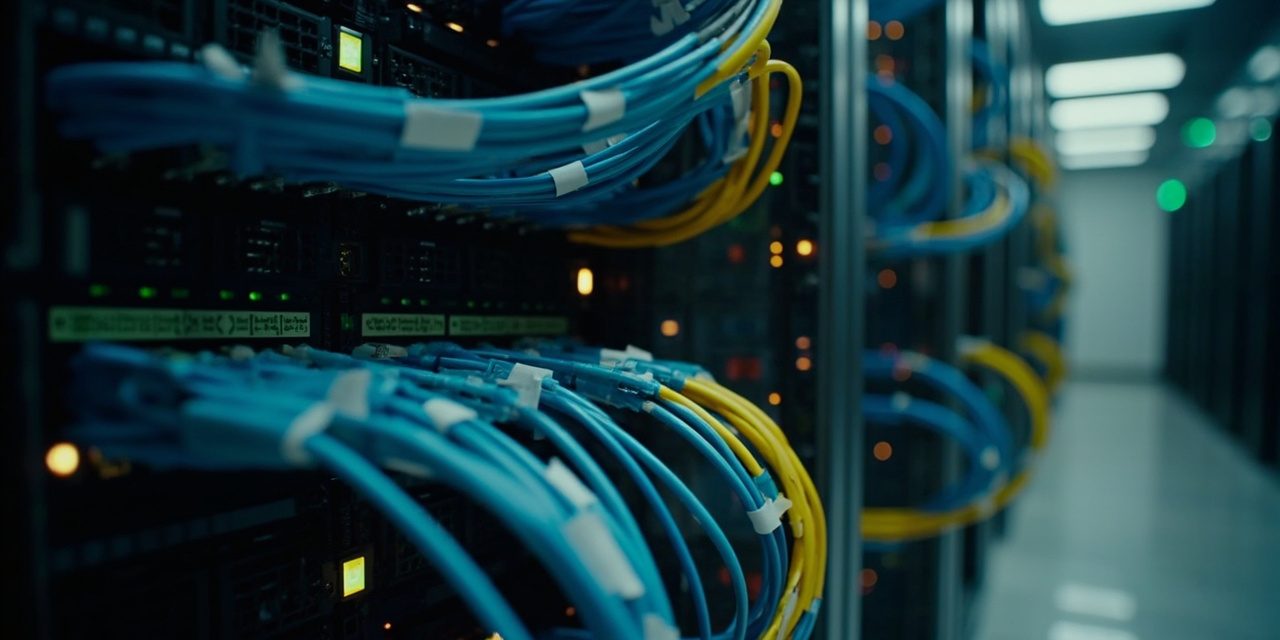
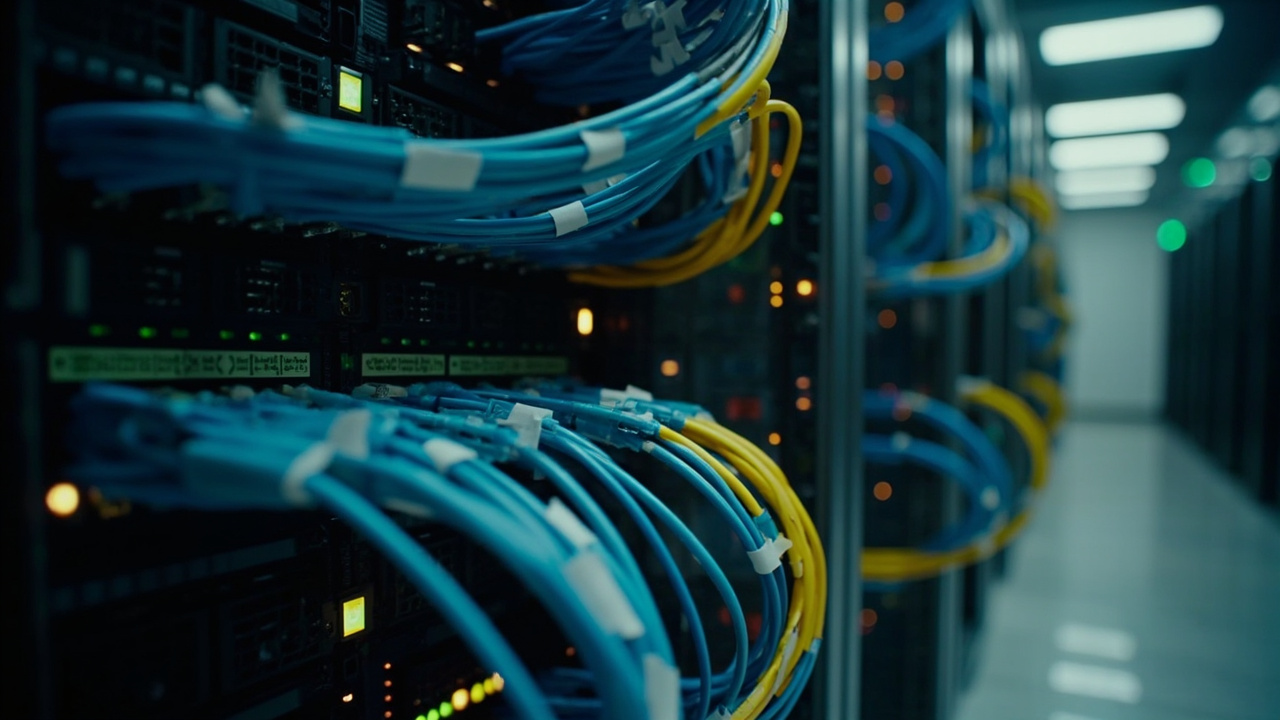
After fourteen years in data center operations, what gives me a headache isn’t equipment failure — it’s the landmines planted during the cabling phase. Many clients make a snap decision to run Cat5e copper early in a project, only to discover when the business scales that it can’t carry 10 Gigabit. After a costly re-cabling effort, the bill comes to five or six times the original decision cost. The fundamental difference between twisted pair and fiber lies in the application scenario. Copper suits server connections within 90 meters, with flexible deployment and controllable cost; fiber is the mandatory choice for long distance and high bandwidth, but fusion splicing and patch cord bend radius carry strict requirements. Last year we renovated a data center for a media company. The original plan was to carry 10Gb services entirely over Cat6A copper, but testing showed a single-segment loss of 8.2dB — more than twice the standard value — so part of the run had to be replaced with OM3 fiber. There is in fact a pattern to this decision: if the distance from the core switch to the server exceeds 100 meters, if the required transmission rate is 10 Gigabit or above, or if strong electromagnetic interference is present, go straight to fiber; otherwise, prioritize copper for its ease of installation and simple maintenance.
Rule of thumb: copper first for short runs, fiber without exception for long ones — don’t plant a big landmine to save a little money.
Link Loss: The Culprit That Sends You to the Data Center at 3 A.M.
Link loss is a hidden problem: nothing seems wrong day to day, but it surfaces the moment you run a stress test or hit peak traffic. Most people assume fiber loss occurs only at splice points; in reality, end-face contamination is the most frequent source of failure — among the cases we have handled, more than 60% of fiber link problems traced back to dust in LC/SC connectors. There is a standard process for troubleshooting link loss:- Use an optical power meter to test the transmitting end first, confirm the light source module output is normal, and rule out device-side issues
- Inspect the end faces at both ends of each patch cord one by one, using a 200x fiber microscope to check for scratches or contaminants
- Clean the connector with an alcohol wipe and retest; loss values typically drop by 1-3dB
- If single-point loss still exceeds 0.5dB (fiber splice point) or 0.3dB (mechanical splice point), re-splicing is required
Labeling Chaos and Poor Grounding: Two Landmines Ready to Blow
Label management is a basic skill in data center operations, and also the easiest step to fudge. The most extreme case I have seen was an enterprise data center migration where engineers traced more than three hundred network cables one by one with a tone generator to find their counterparts — it took two full days. A cutover that should have taken two hours turned into an all-nighter. A proper labeling system must satisfy three principles: unique numbering, consistent format, and full lifecycle coverage. We recommend a three-tier code of cabinet-location-service, for example “Cabinet A-12-Core Switch Uplink”, with a label affixed at both ends of each connection and matching labels on the patch panel ports. Teams with the resources can adopt an RFID labeling system, which can improve asset inventory efficiency by more than 80%. Grounding problems are more dangerous; mishandling them can let transient voltages break down equipment. Common mistakes include mixing protective earth with working earth, or exceeding the grounding resistance limit. The standard requires data center grounding resistance below 1 ohm, but many older facilities measure 4-5 ohms, reporting frequent link flapping during thunderstorm season. Periodically checking the grounding busbar for corrosion and applying heat-shrink to ground wire connections are simple, effective protective measures.
Lightning protection and grounding acceptance checklist: measure grounding resistance, check equipotential bonding, verify surge protectors — all three must pass to qualify.
Mixing Cat5e and Cat6: Not Impossible, but Know the Cost
Mixing Cat5e and Cat6 is common in operations, sometimes as legacy infrastructure, sometimes for temporary expansion. Technically both use RJ45 connectors and can be plugged together physically, but performance takes a hit. The main problems are impedance mismatch and compounded crosstalk. Cat6 cable is built with a cross-shaped spline separator; Cat5e has no such design. When the two are joined, high-speed signals reflect at the junction, showing up as an elevated bit error rate and unstable negotiated speeds. At one client site, a Cat6 backbone patch panel jumpered to a short Cat5e run produced periodic packet drops at 10 Gigabit; after parameter tuning failed, replacing the patch cords with all-Cat6 ones solved the problem. If mixing is truly necessary, follow these principles: keep Cat5e runs under 15 meters and use them only as patch cords or device interconnects; the backbone must remain at a single grade; all connectors must be crimped properly, using a Cat6-specific crimping tool to avoid damaging the conductor structure of Cat6 cable. Fourteen years of experience tell me there are no shortcuts in data center cabling — every detail can become an operations nightmare someday. Rather than firefighting later, set the standard high during construction. If your data center is being planned or renovated, contact us about our Network Equipment Package service, for end-to-end control from solution design to implementation and acceptance.Is your Beijing enterprise IT hitting a bottleneck? Siwenlide has 14 years of integrated solutions for 1000+ clients — talk to us.
☎ 400-686-2011 · 📍 Room 3-1002, 9F, Building 3, No. 1 Huihai South Road, Beijing Airport Economic Core Area · Contact us
※ Enterprise broadband or a private line is included during the contract term, for a more stable business connection.





