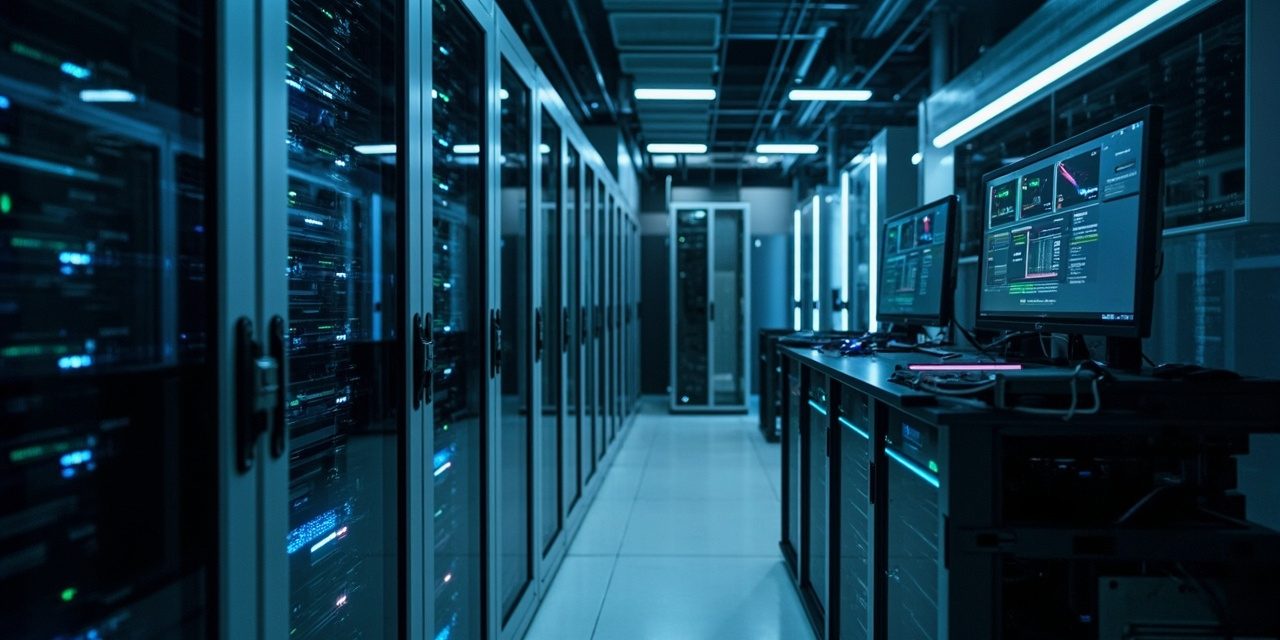
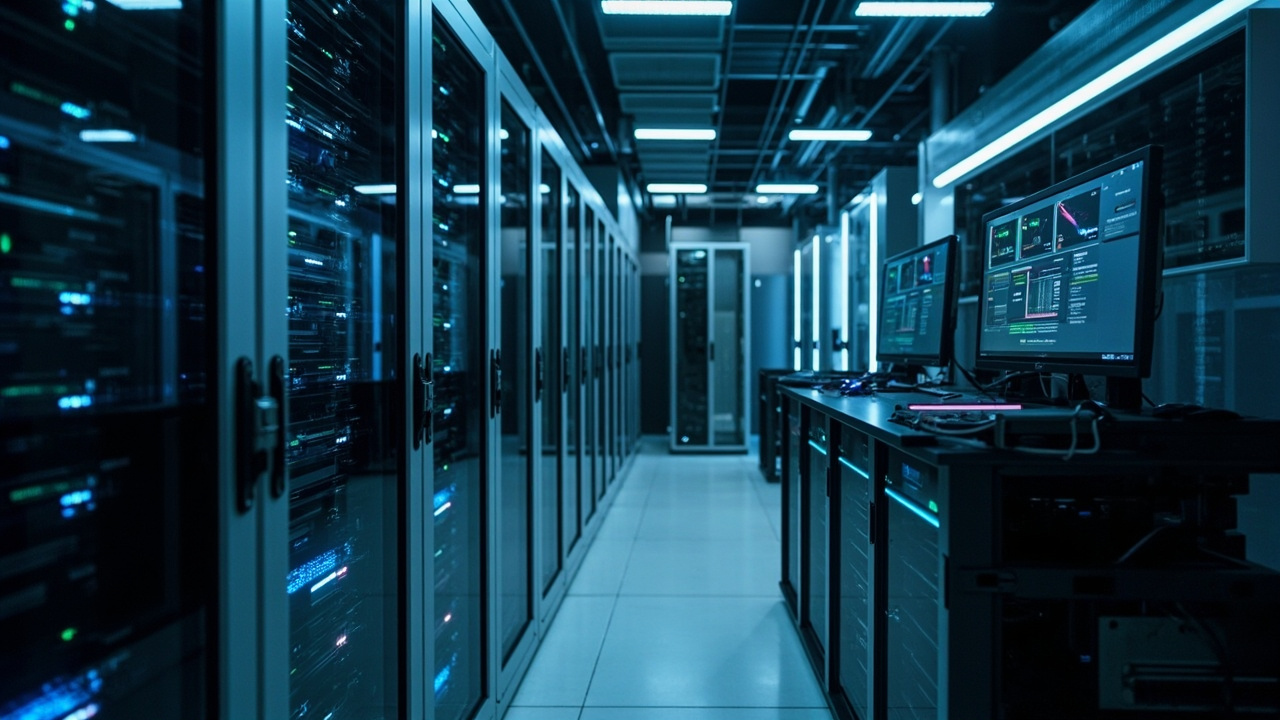
Last week I visited a machinery parts factory in Shunyi for a follow-up call. The owner told me their R&D department adopted three AI-assisted design tools this year, and now it takes 20 seconds just for Xiao Zhang in finance to open the ERP system. It sounds absurd, but I have run into similar situations at least seven or eight times over the past six months. AI tools themselves don’t consume much local resources, but they sharply raise network dependence — outbound bandwidth, API response, data leaving the country, cost allocation, all tied together. I’m writing this because among the companies that have consulted us recently, more than 60% treat AI tool procurement and IT planning as two entirely separate matters.
Outbound bandwidth gets “eaten” faster than you think
This time last year, a 20 Mbps enterprise broadband line was still comfortable for OA and email. This year, any computer with Copilot or a domestic AI assistant installed keeps uploading documents in the background, sending API requests, and downloading model updates; a single endpoint can generate 2 to 3 Mbps of concurrent traffic. Do the math: a 30-person R&D department with 20 endpoints running AI instantly pushes peak bandwidth demand to 40–60 Mbps. The 50 Mbps private line that used to be enough can now only guarantee smooth operation half the time.
What’s more troublesome is that the traffic characteristics of many AI tools are completely different from traditional office software. It isn’t a regular heartbeat packet, but bursty batch requests — intensive research before the morning meeting, report generation in the afternoon, and another wave of training material uploads on the night shift. This traffic pattern renders traditional bandwidth allocation strategies useless. QoS rate limiting kills legitimate business traffic, and without it you can’t survive the peaks.
If you’re also struggling with a network that suddenly isn’t enough, take a look at the network expansion solution we offer — we have dedicated bandwidth planning services for AI office scenarios.
LLM API latency isn’t mysticism — it’s a measurable business loss
I’ve seen more than one company buy AI tools the same way they buy Excel, and then complain about “why is it so slow”. The reason is actually very specific: LLM API response time consists of three parts — network transmission latency, model inference time, and server-side queueing. The third is the most easily overlooked, but during business peak hours it can account for more than 70% of response time.
For the API of a leading domestic large model, P99 latency is around 800 milliseconds off-peak, but by 9:30 on Monday morning it can spike to 3 to 5 seconds. You ask a salesperson to generate a client proposal with AI, they click and go get a glass of water, and it still isn’t done when they come back — that experience directly leads to the tool being abandoned. But if you switch to private deployment or call an edge node, latency can be pushed under 300 milliseconds, and the user’s perception is completely different.
In my own experience, once API latency exceeds 1.5 seconds, tool usage drops off a cliff; beyond 3 seconds, basically nobody uses it. There’s no rigorous academic source for this figure, but it has been highly consistent across the 20-plus companies I’ve worked with. So it’s less a technical problem than a matter of employee behavior — you have to get response time below the user’s psychological tolerance threshold, otherwise the AI tool is just decoration.
- Measure a baseline: pick 3 to 5 high-frequency scenarios and record API response times at different times of day;
- Identify the bottleneck: is it a cross-carrier link issue, or server-side queueing at the model service? Only after finding it can you treat the right cause;
- Choose the approach: use private deployment or edge nodes for high-frequency scenarios, and keep public APIs for low-frequency scenarios to control cost;
- Monitor continuously: set threshold alerts so IT is notified automatically when latency exceeds 1.5 seconds, rather than waiting for user complaints.
This isn’t a technology selection problem, it’s a user experience design problem. IT departments have a responsibility to tune the infrastructure so that AI tools “feel fast”, instead of making users bear all the waiting.
GPU workstations aren’t done once you buy them
Private deployment of large models is a hot idea right now, and many companies rush out to buy a GPU workstation. But what happens after you bring it home is what really tests the IT team.
First, cooling and power. A single RTX 4090 draws 450 W at full load, so an 8-card workstation is 3.6 kW; add other equipment and one rack easily exceeds 5 kW. The power configuration of an ordinary office building or an old factory building simply can’t support that. I’ve seen clients buy equipment and ship it to the server room, only to find the distribution box didn’t have enough capacity, and then spend two more months applying for a capacity upgrade. Air conditioning has to be recalculated too: high-density GPU computing generates noticeably more heat than traditional servers, and without upgrading the cooling system you’re basically giving the equipment a sauna.
Then there are driver updates and model compatibility. The large model ecosystem iterates too fast — a version that ran smoothly three months ago may already be obsolete, and upgrading drivers or switching frameworks means another round of testing. This maintenance cost is almost never factored in at the procurement stage, but in practice it consumes a great deal of the IT team’s energy. One legal services client bought a 4-card workstation to deploy a local knowledge base, and in the first year alone spent 40% of the purchase cost on debugging and maintenance.
Finally, security control. Running models locally means data doesn’t leave, but how do you manage the risk of physical contact? USB drive copying, photographing screens, internal permission tiers — if you don’t set the rules in advance, a GPU workstation is just an expensive exposure.
Data compliance is an easily underestimated pitfall
I have to be blunt here, because over the past year the post-incident remediation costs of data leaks caused by AI tools have been absurdly high on the enterprise side.
The core issue is just one: do you know when an employee pastes internal company data into an AI tool and triggers a cross-border data call? Most SaaS-based AI assistants, under default settings, use user input to improve their models — which means your technical documents, customer records, and financial data may already be in someone else’s training set. In many industries this is a compliance red line.
Last year a technology park in Beijing conducted a survey and found that more than 70% of employees at small and medium-sized enterprises had already used at least two AI tools in their daily work without IT approval. No company’s HR covered these tools’ privacy policies during onboarding, and IT had no whitelist controls in place. Data leaks out bit by bit, and by the time you notice, it’s too late.
The solution isn’t actually complicated: first classify assets — core assets such as R&D formulas, production processes, and financial data must never go through external APIs; administrative and general text processing can be moderately opened up, but should use vendors with data protection commitments; and all AI tools should be included in the IT control list with regular log audits.
We also have our own zero trust product, sTrust Zero Trust, which can help enterprises manage access permissions and data flows for AI tools. This is active defense, far better than remediating after the fact.
Cost control: don’t let AI tools eat your IT budget
At the end of the day, enterprises adopt AI tools to cut costs and boost efficiency, but if the infrastructure doesn’t keep up, costs actually rise. Here’s a simple calculation: suppose a 50-person design firm, one computer per person running AI-assisted tools, peak bandwidth demand is roughly 30 to 40 Mbps; if API calls are billed by usage, monthly spending might be RMB 3,000–8,000; a single GPU workstation for private deployment, including hardware and server room retrofit, costs roughly RMB 80,000–150,000 up front, with another RMB 20,000–30,000 per year for electricity and operations.
The problem is that most of this money isn’t in the IT budget — it’s in the business department’s tool procurement budget. The business department thinks it bought a piece of software, while IT has to bear the infrastructure cost behind it. This misalignment leads to misallocated resources: tools are bought but used poorly, poor use leads to complaints, and after the complaints come new purchases — a vicious cycle.
In my experience, the cost of AI tools should be calculated as TCO (total cost of ownership), including network expansion, API fees, operations staffing, and potential compliance risk, listed item by item so that the user department and the IT department reach a consensus. Otherwise you get this: the business department thinks IT is blocking innovation, IT thinks the business department is spending recklessly, and in the end neither side is satisfied.
For most small and medium-sized enterprises in Beijing, the first step isn’t buying GPUs — it’s doing a network diagnosis first, to see whether the existing bandwidth is enough for AI, which scenarios must be localized, and which can go through APIs, so the money is spent where it counts. That’s far more practical than jumping straight into private deployment of a large model.
Is your Beijing company’s IT hitting a bottleneck? Siwenlide, with 14 years and 1,000+ clients, has a complete solution ready for your consultation.
☎ 400-686-2011 · 📍 Room 3-1002, 9F, Building 3, No. 1 Huihai South Road, Beijing Airport Economic Core Area · Contact us
※ Within the contract period, we also include enterprise broadband or a private line, making your business connection more stable.